
SOOC
Explore 1,534 photos in SOOC.
SOOC street photography (straight out of camera)
SOOC stands for straight out of camera: photos shared just as the camera produced them, usually as JPEGs, with no editing afterward. Instead of shaping the image on a computer, you decide the look before you press the shutter, through the camera's color profile, white balance, contrast and grain settings. Many street photographers like this because it keeps them on the street instead of at the desk.
The approach got a boost from cameras with strong built-in looks, such as Fujifilm's film simulations and Ricoh's image controls, and from JPEG recipes shared online that imitate classic films. Film photographers have always worked this way, choosing a stock and living with the result. Here you'll find unedited street photos from PortraitMode members, exactly as their cameras saw the scene.
Set the look first
Before you head out, choose one profile and set it up properly: white balance, contrast, color and grain. Save it as a custom setting so you can find it again. Then leave it alone for the whole walk. Changing settings every few frames turns SOOC into editing inside the camera and makes a series look inconsistent.
Nail the exposure
A JPEG gives you much less room to fix mistakes than a RAW file. Use the live histogram or exposure preview in your viewfinder, and adjust exposure compensation as soon as the light changes. Protect the highlights in bright scenes, because a white sky or a burnt-out face can't be rescued afterward without editing.
Keep RAW as a backup
Shooting RAW plus JPEG lets you share the camera file and still keep a safety net for the frame where the settings were wrong. Treat the JPEG as the real photo and the RAW only as backup. If you post a photo as SOOC, keep it honest: many people accept a crop or a straightened horizon, but not changes to color or contrast.
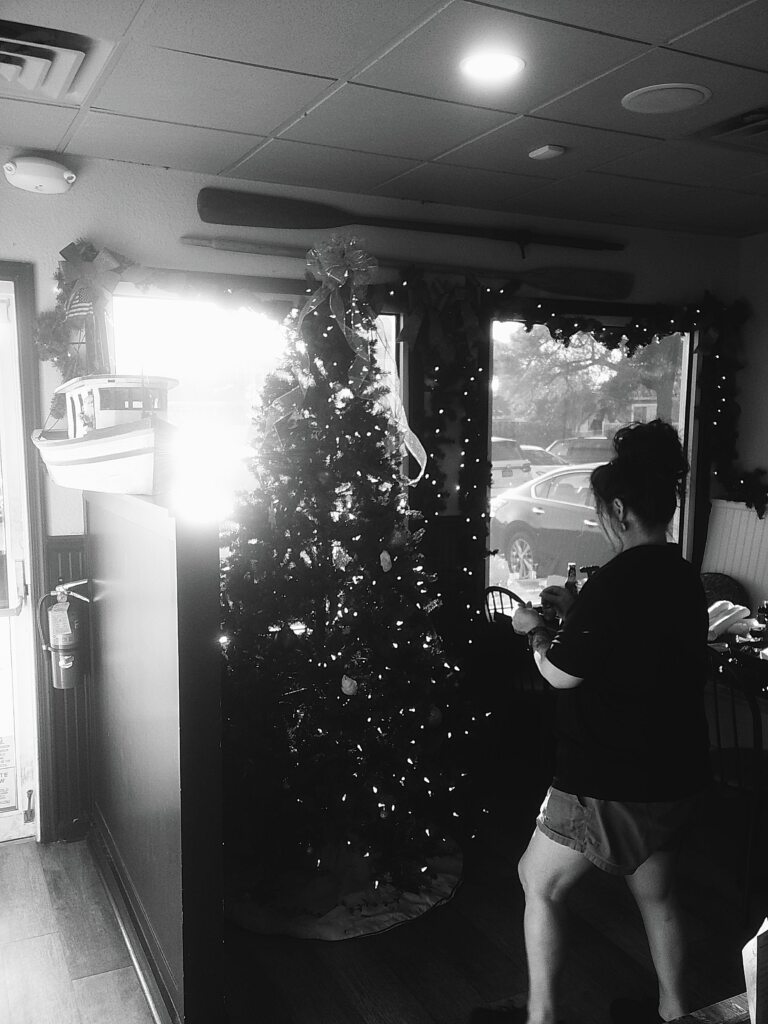
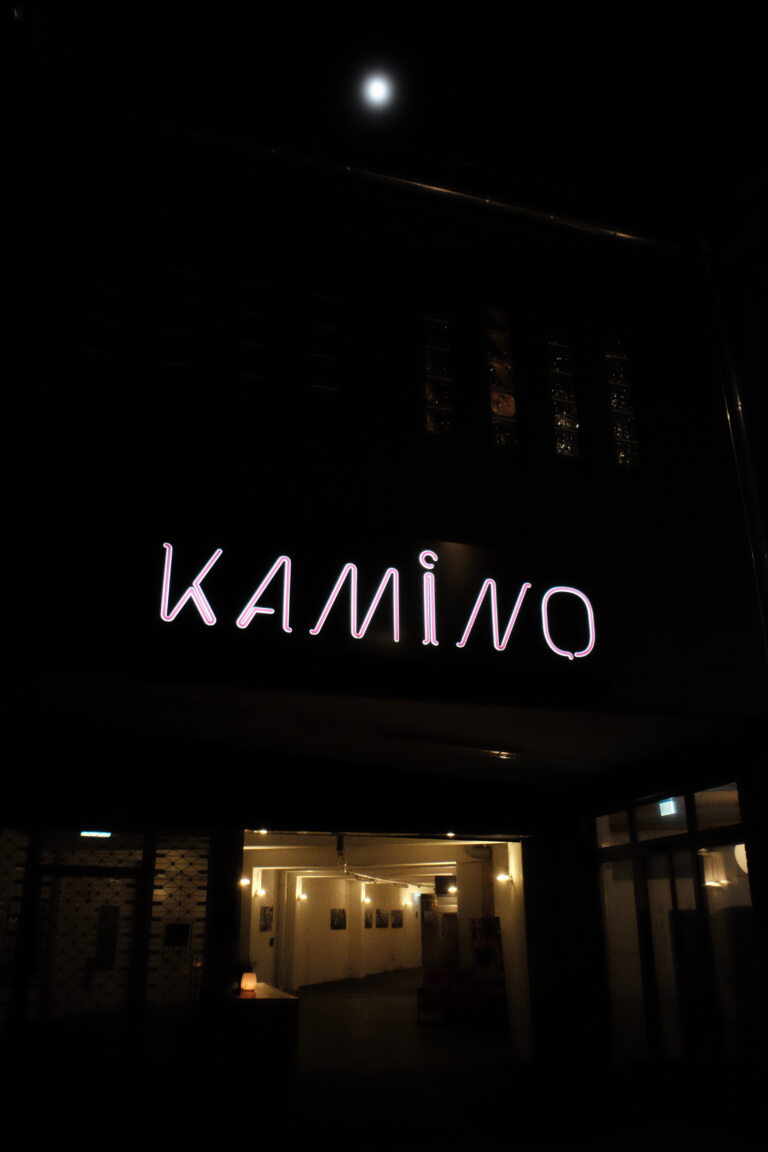
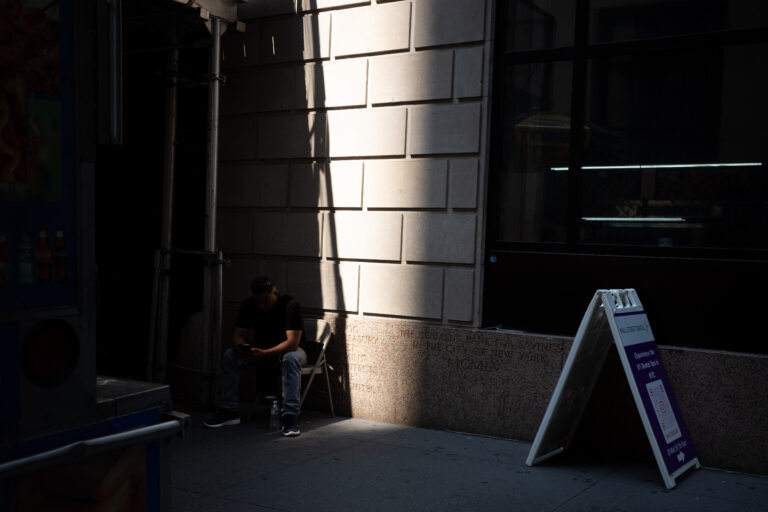
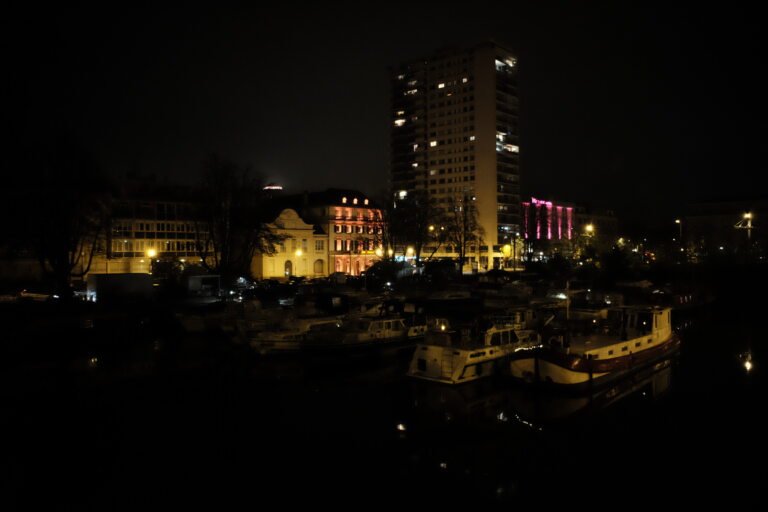
Canal du Rhône au Rhin (Rhône-Rhine canal)
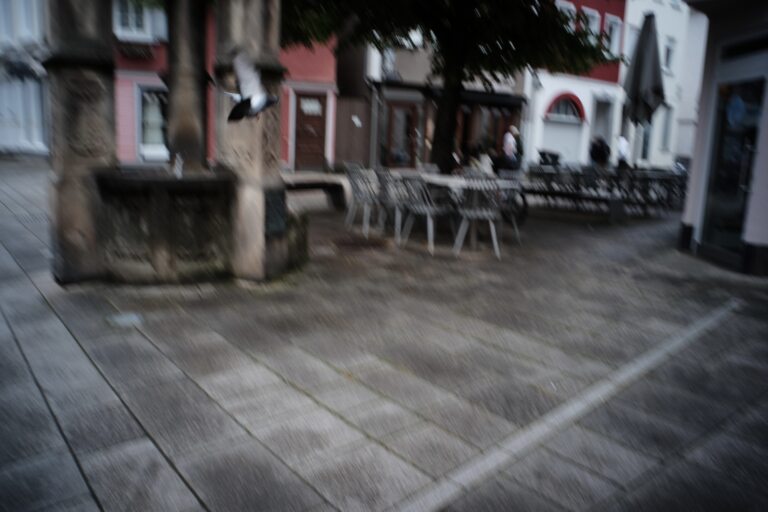
Ttartisan 25mm f/2 @ f/2

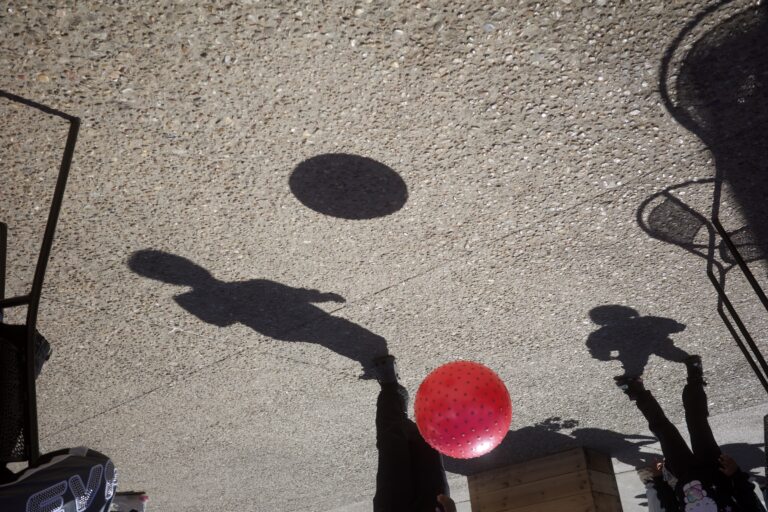
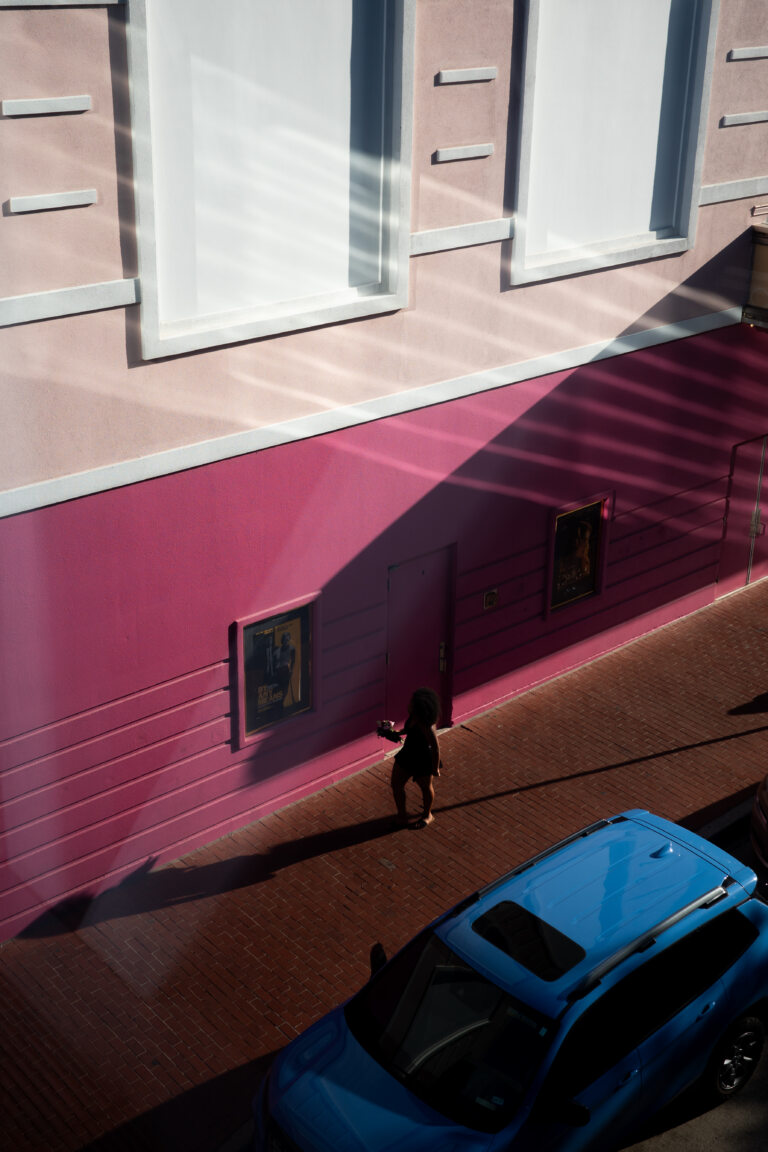

Walkin‘ dead… 💀
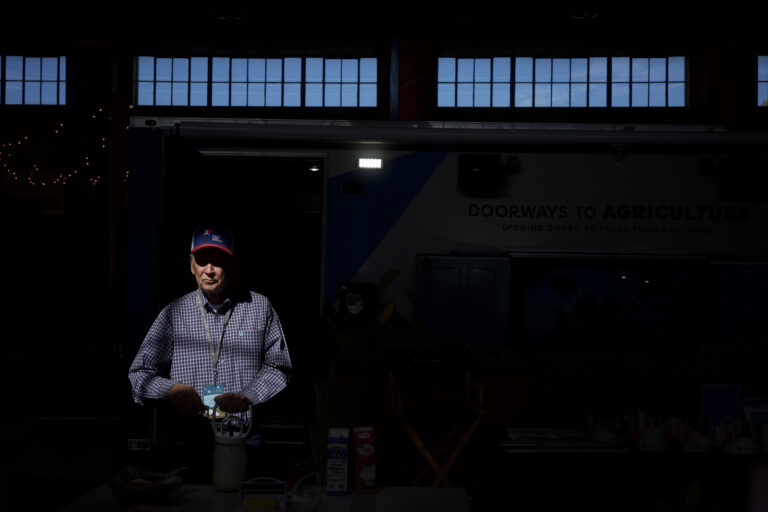
Fujifilm X-E2, 7artisans 18mm f/6.3, 1/200 s, ISO 6400.
Comments